Shape the pipeline
Classify projects with your own tags
Why this step
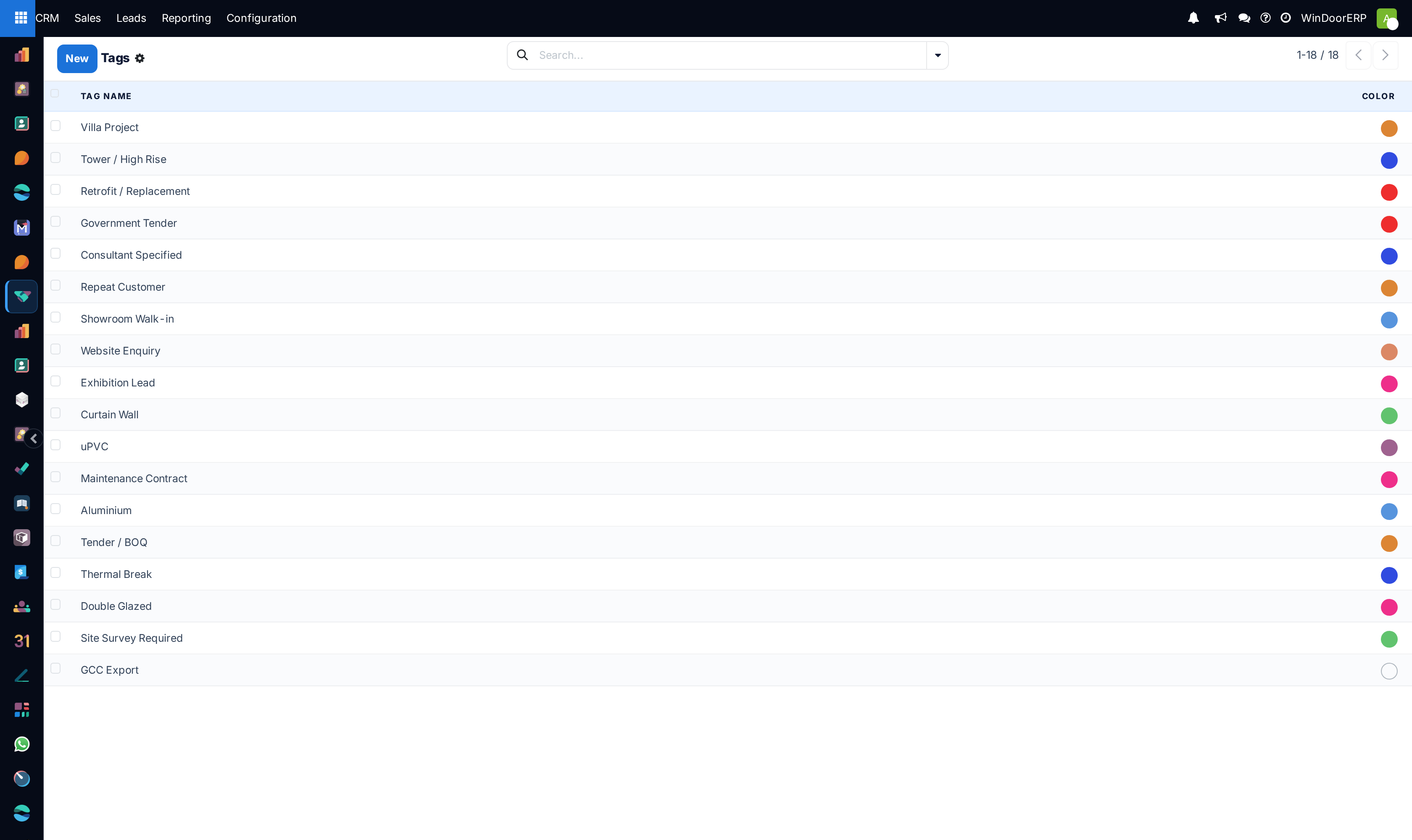
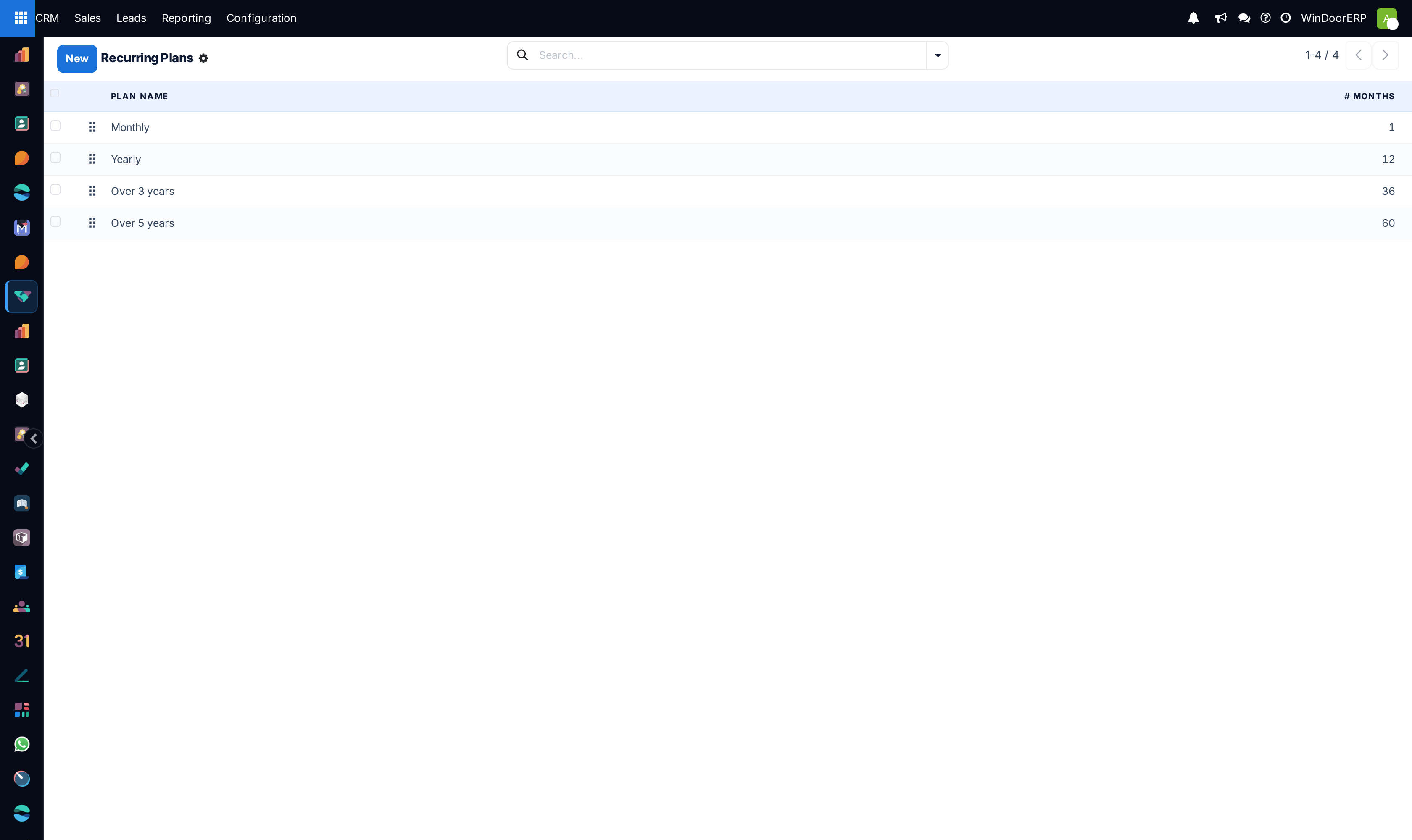
Tags classify a project by what it is — tower, villa, retrofit, curtain wall — so the pipeline can be sliced by work type later. Recurring plans cover the service revenue that follows the job.
What this does
Organizes opportunity search tags (e.g. Double Glazing, RAL 9016, Motorized Louvers, Fire-Rated Glass) and sets up recurring maintenance plan intervals for annual facade service contracts.
Before you start
- CRM Configuration permissions.
Steps
Important
Tagging opportunities with profile series names enables instant filtering during supplier promotional discount campaigns.
-
01
Open CRM › Configuration › Pipeline Tags to maintain technical specifications tags.
-
02
Open CRM › Configuration › Recurring Plans to define service billing cycles (e.g. Quarterly Facade Cleaning, Annual Hardware AMC).
-
03
Apply tags directly on CRM cards for instantaneous multi-criteria searching.
Common mistakes
- Creating hundreds of redundant tags with slight spelling variations.
- Leaving recurring revenue amounts blank on annual building maintenance tenders.
Checkpoint
You can filter the pipeline down to one class of project using your own tags.