Decide how a price is reached
Set pricelists and contractor tiers
Why this step
Pricelists decide what a given customer pays before anyone types a number: contractor tiers, volume rules, and the currency the deal is quoted in.
What this does
Implements flexible pricing strategies for different market segments (e.g. Retail Villa Homeowners, Tier-1 General Contractors, Export Distributors) with volume breaks and margin formulas.
Before you start
- Pricelists enabled in Sales › Configuration › Settings.
Steps

Important
Formula-based pricelists allow automated cost-plus pricing that automatically updates selling prices when extrusion raw material costs change.
-
01
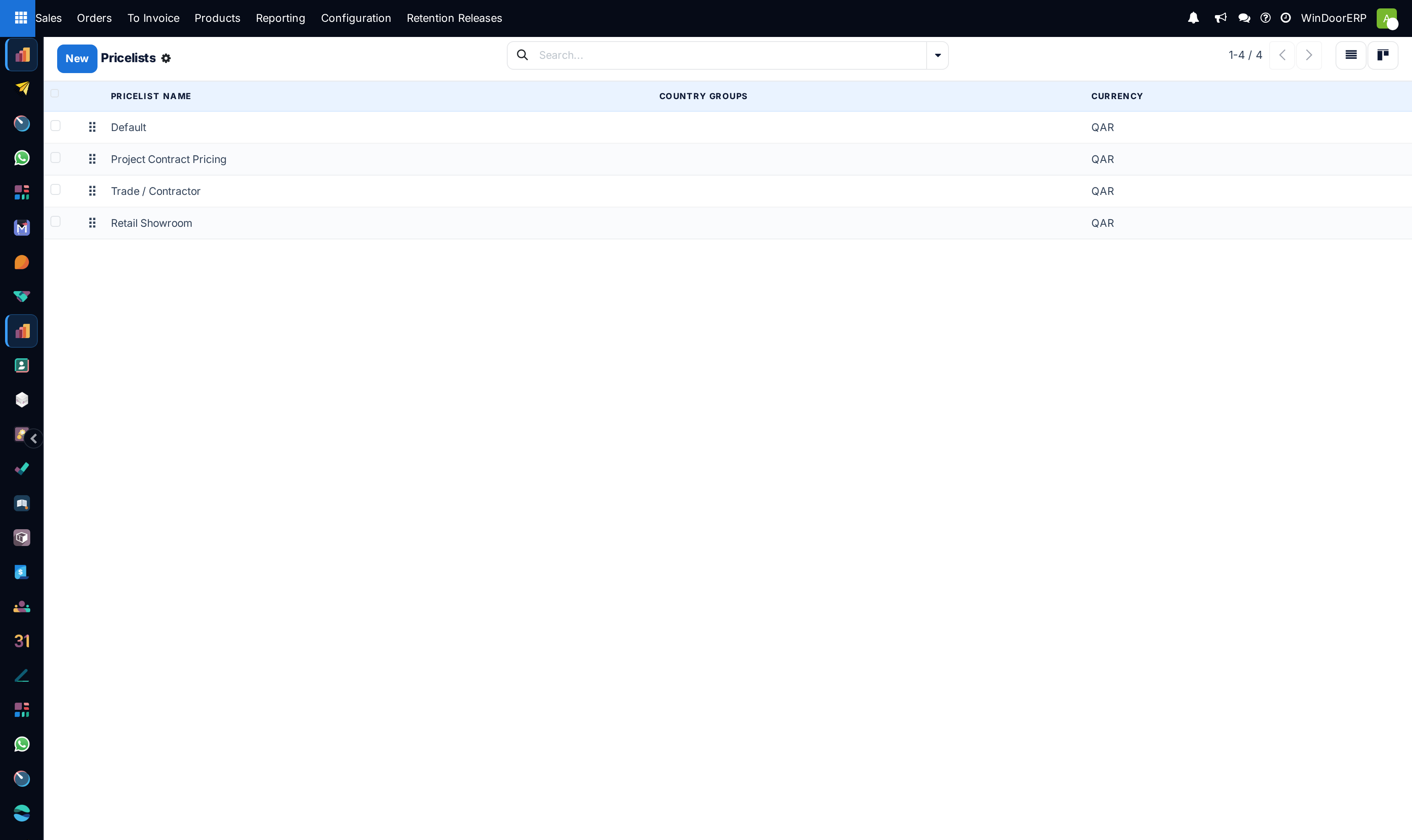
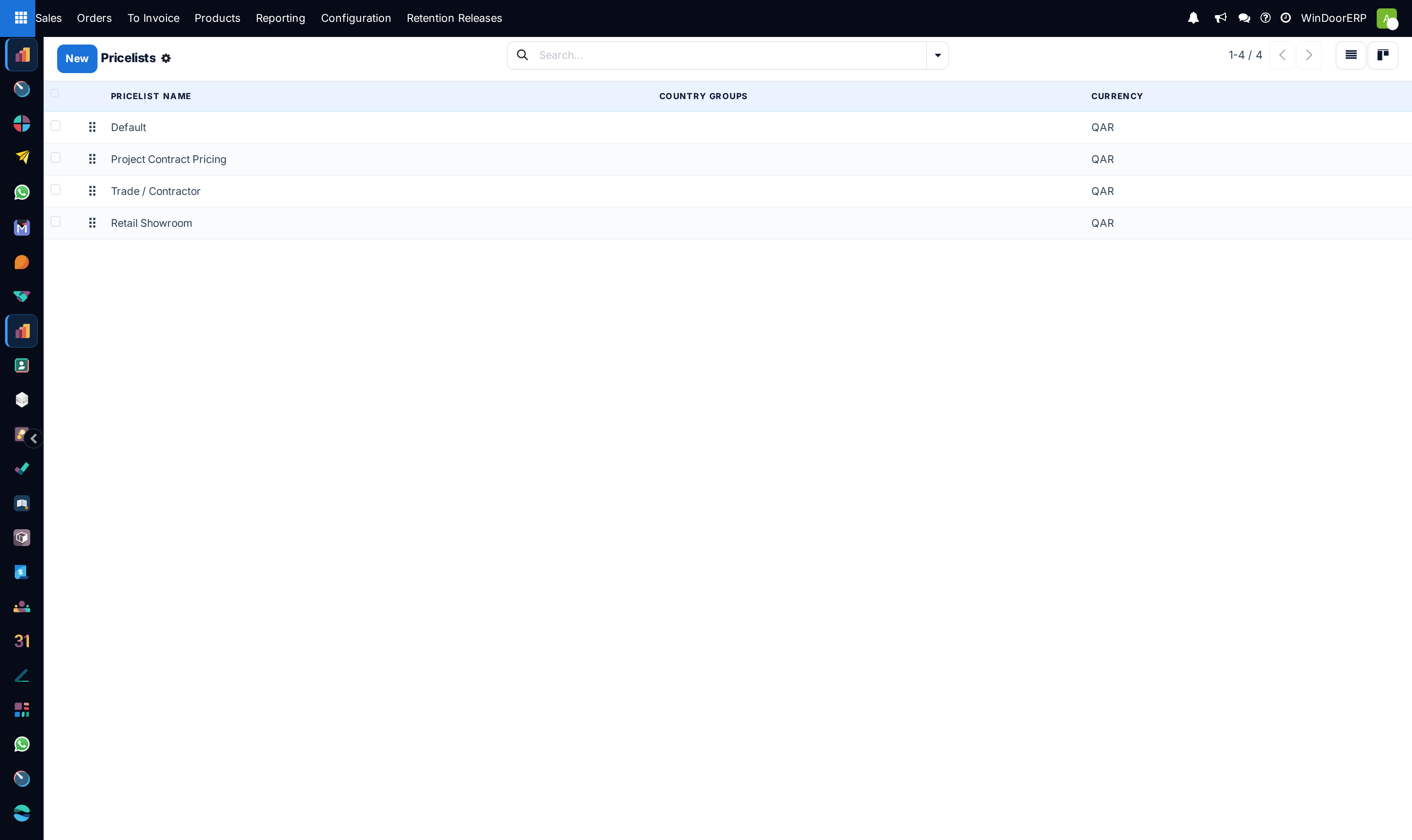
Open Sales › Products › Pricelists across List, Kanban, and Form views.
-
02
Click New to establish a customer tier (e.g. Contractor Gold List - 15% Off, Export USD Pricelist).
-
03
Add pricing rules: configure percentage discounts, fixed prices, or dynamic formulas based on raw material cost plus markup.
-
04
Assign default pricelists to customer partner profiles for automatic application on quotations.
Common mistakes
- Applying flat discounts across low-margin accessories, resulting in negative profitability.
- Forgetting to set currency exchange rates on international export pricelists.
Checkpoint
The same product quotes at different prices for a retail customer and a contractor, without anyone editing a line.