Set up the sales team
Cap what each salesperson can carry
Why this step
A team target means nothing if one person is holding forty enquiries and another six. Lead limits and capacities spread the pipeline before anyone drowns in it.
What this does
Controls individual sales engineer workload capacities by defining maximum 30-day active lead limits, preventing estimator burnout and ensuring fast proposal turnarounds.
Before you start
- Sales Team Leader or CRM Administrator permissions.
Steps
Important
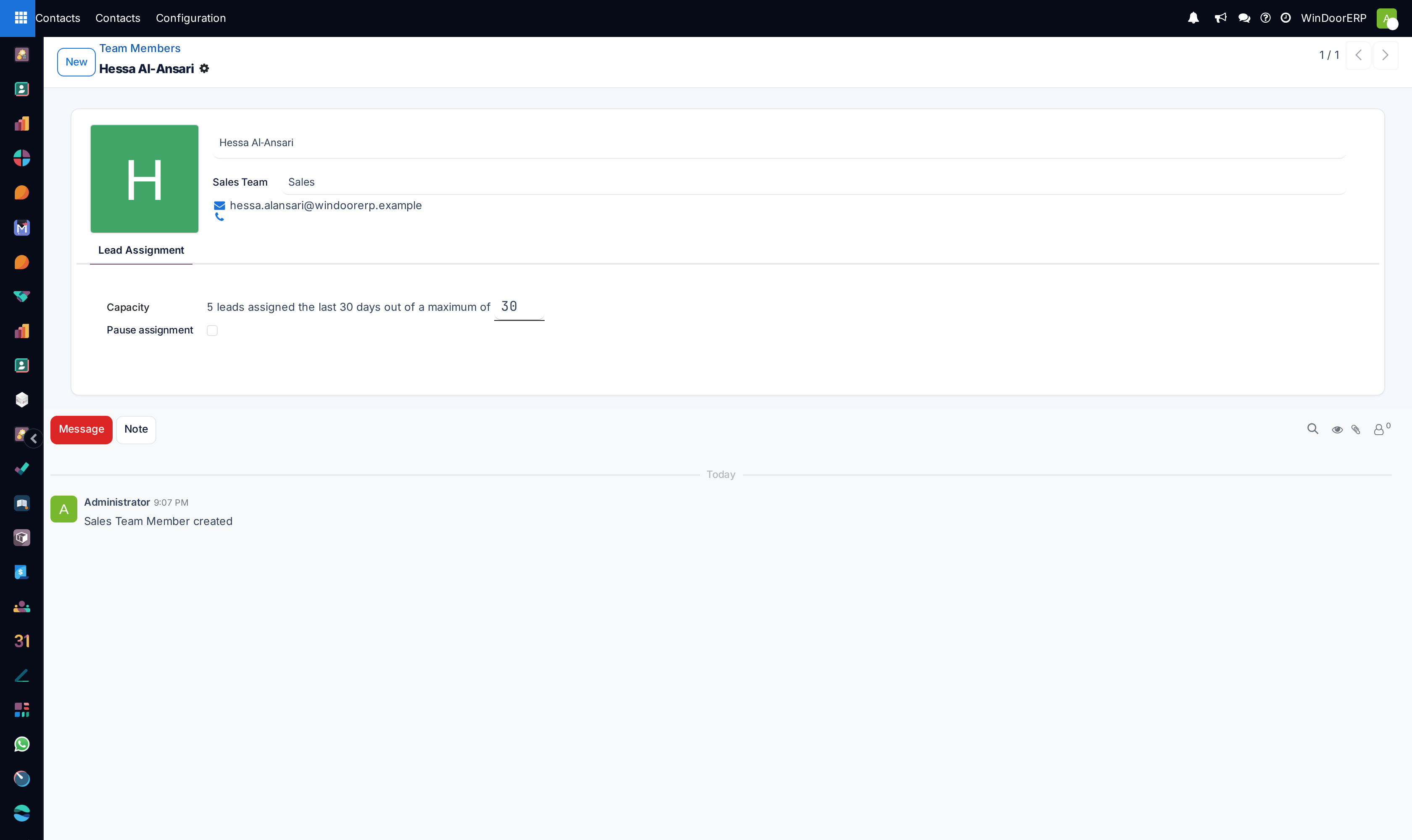
When a sales engineer reaches their maximum lead limit, automated lead assignment skips to the next available team member.
-
01
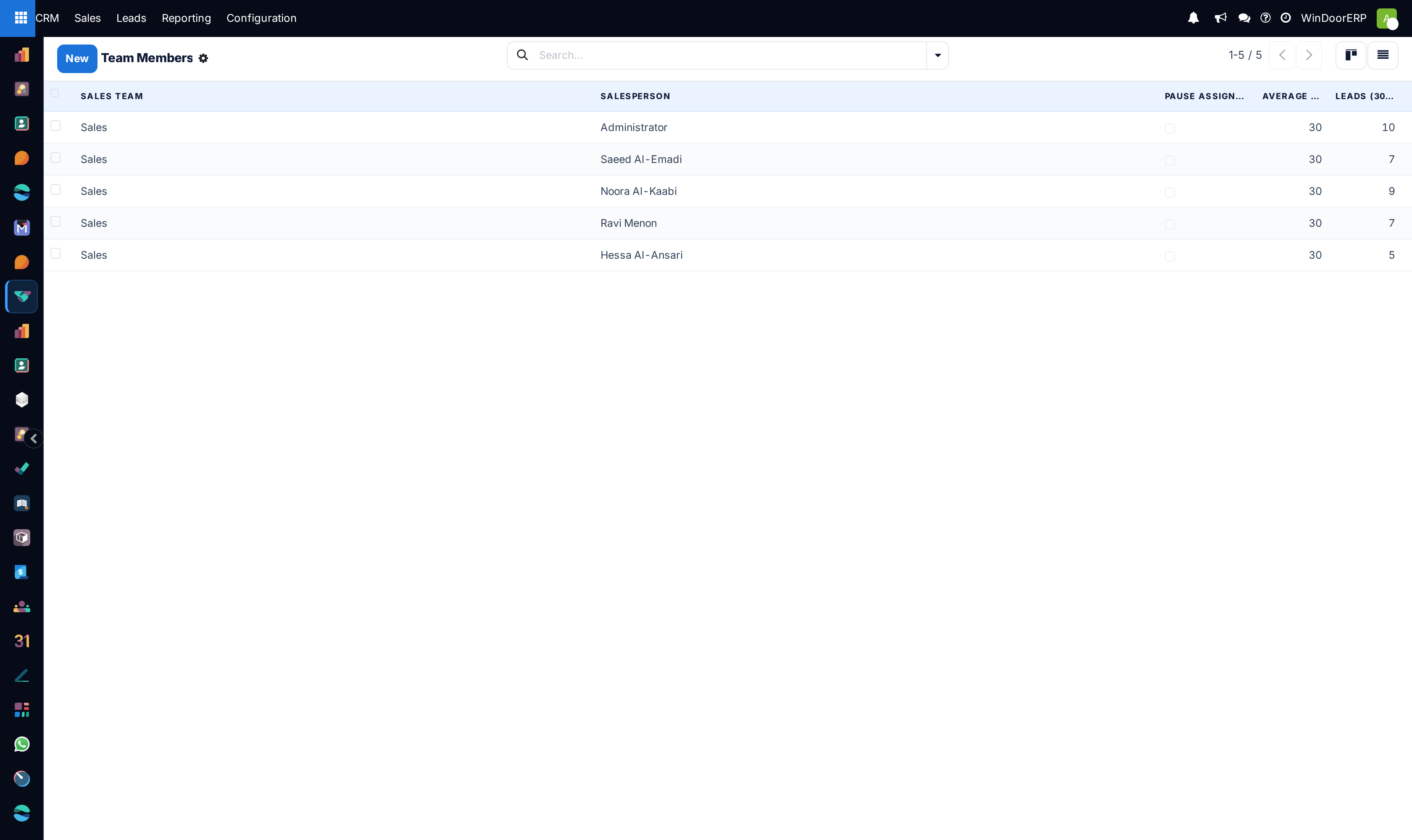
Open CRM › Configuration › Team Members.
-
02
Select a sales representative or estimator to open their capacity profile.
-
03
Set the Max Leads (30 Days) limit (e.g. 25 active inquiries).
-
04
Configure individual domain filters (e.g. specific language, structural curtain wall qualification, or luxury villa specialization).
-
05
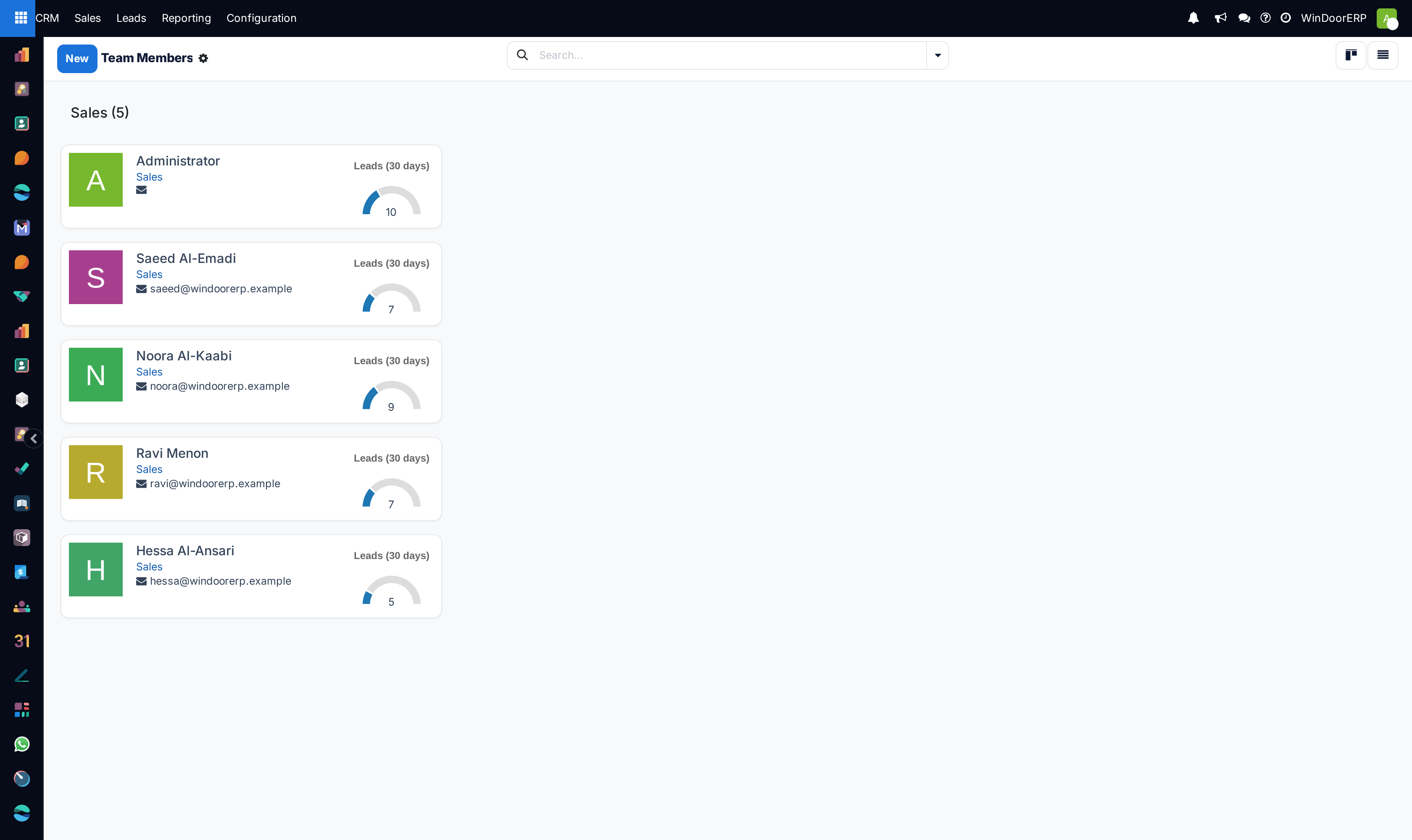
Monitor team member utilization via the Member Kanban cards.
Common mistakes
- Setting lead limits too low during major commercial building tender seasons.
- Not updating capacities when sales engineers go on annual leave.
Checkpoint
Automatic assignment stops handing leads to a salesperson who has already hit their limit.