Set up the sales team
Assign enquiries by territory
Why this step
Decide who an enquiry belongs to before anyone has to ask. Territories assign by geography and postal jurisdiction, so a lead from a city lands on the right desk without a manager in the middle.
What this does
Partitions customer market regions into clear geographic territories (e.g. Northern Province, Western Coast, Central Capital) to assign local site surveyors and installation teams.
Before you start
- CRM Administrator privileges.
Steps
Important
Territory rules ensure inquiries from distant sites are instantly routed to the nearest regional fabrication and survey hub.
-
01
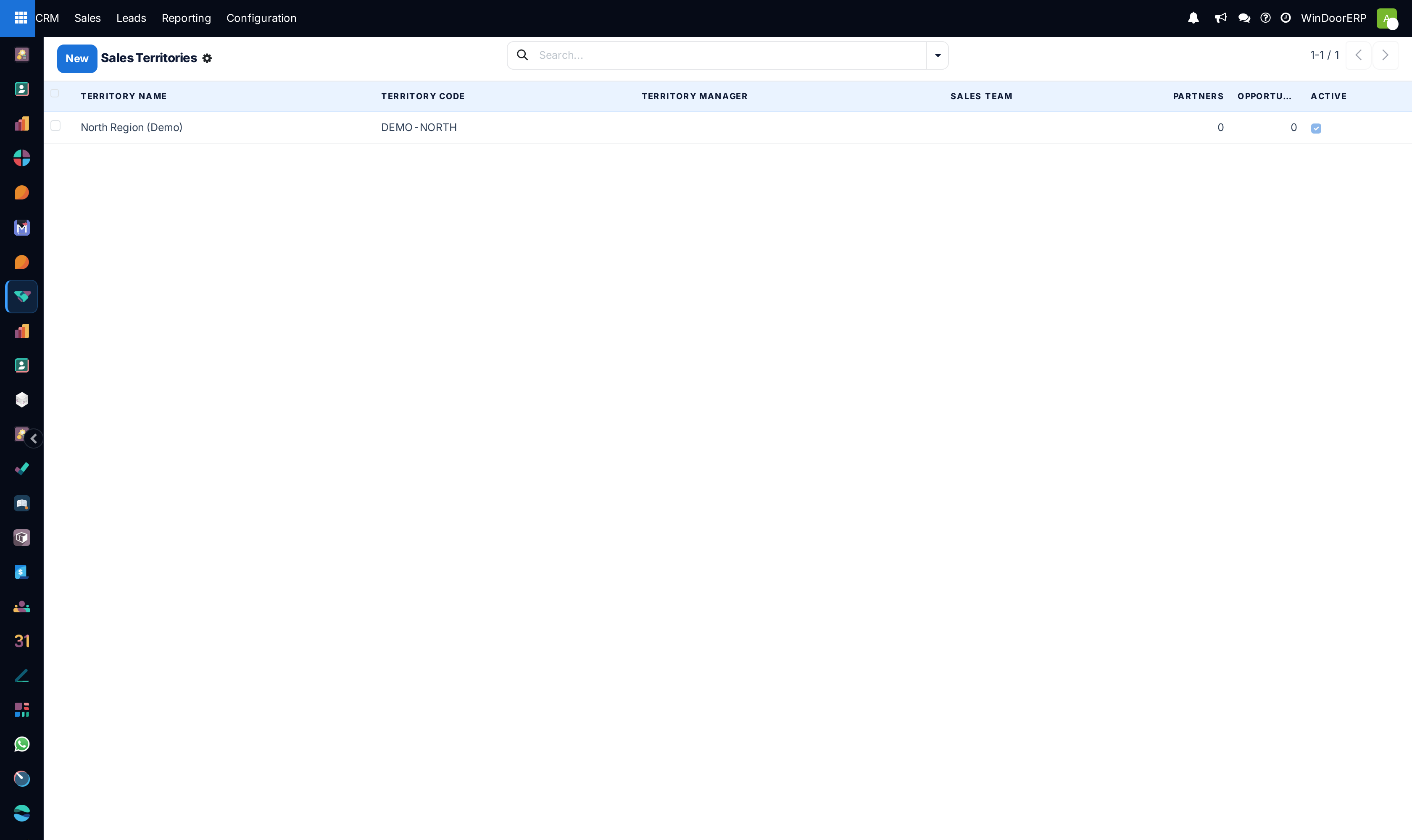
Open CRM › Configuration › Territories.
-
02
Click New to establish a sales territory.
-
03
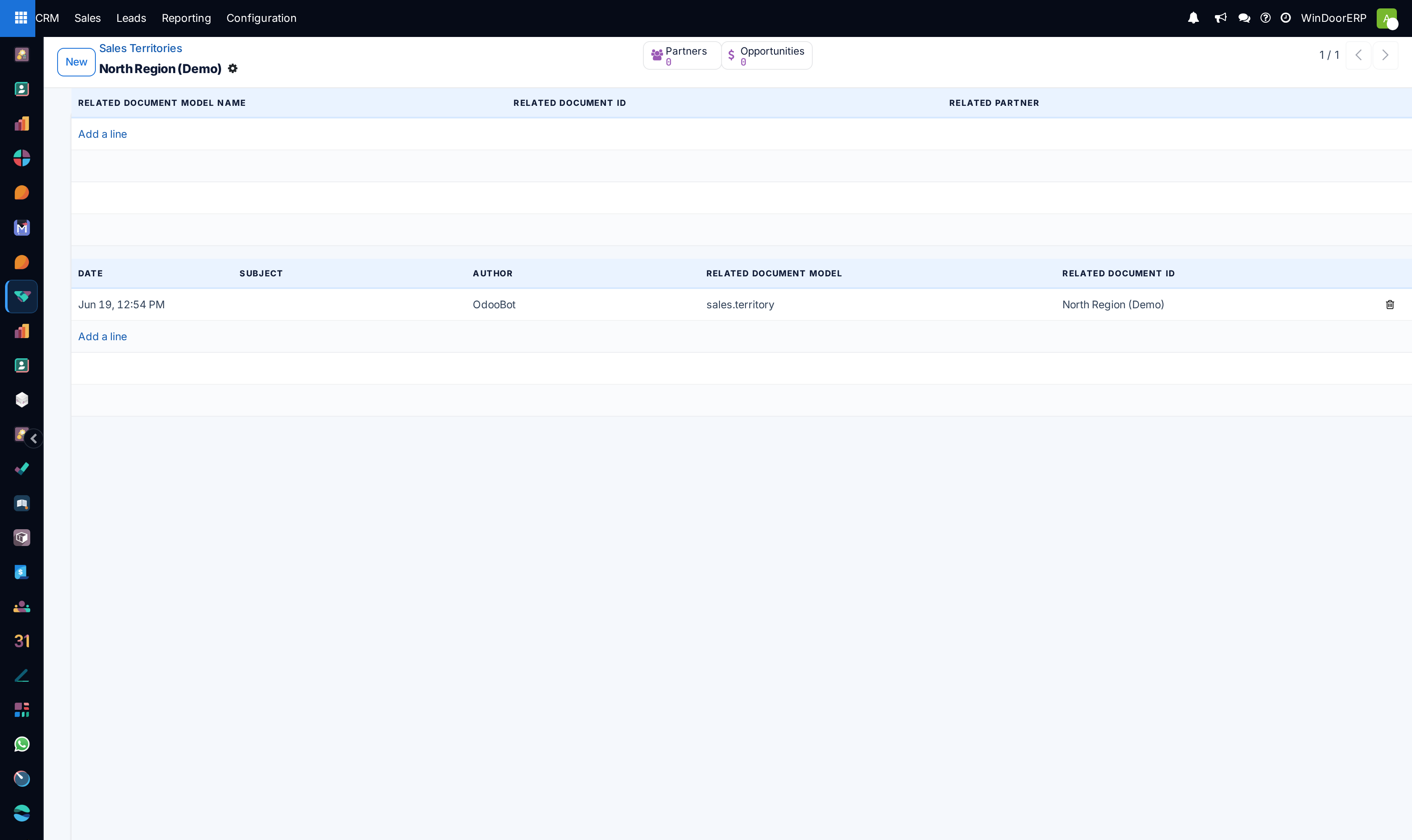
Define territory boundaries: assign cities, postal code ranges, and regional governorates.
-
04
Link the territory to the responsible regional Sales Team and Service Branch.
Common mistakes
- Overlapping postal code definitions across competing sales branches.
- Failing to update territory boundaries when opening new regional showrooms.
Checkpoint
A new lead created with an address is assigned to the expected team without anyone touching it.