Shape the pipeline
Fix the CRM settings and lead scoring
Why this step
The general CRM settings live here too, so this is where the pipeline's behaviour is finally fixed: scoring rules, lead mining, and the switches that decide how enquiries reach the pipeline at all.
What this does
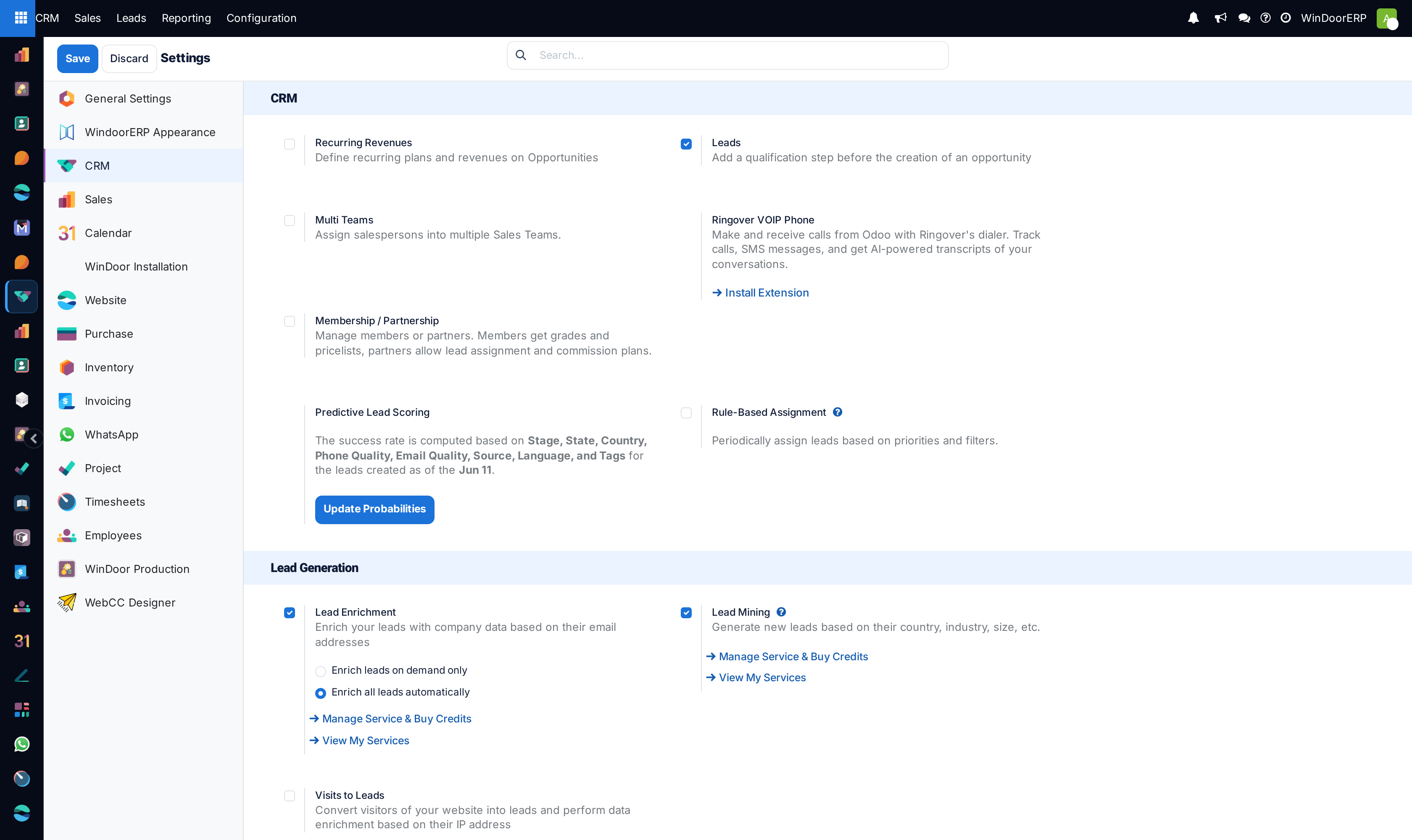
Controls global CRM operational switches in WindoorERP, encompassing predictive lead scoring parameters, automatic rule-based assignment intervals, and B2B corporate lead mining requests.
Before you start
- System Administrator access.
Steps
Important
Predictive scoring continuously learns from historical Win/Loss outcomes to fine-tune opening probabilities for future villa and tower projects.
-
01
Open CRM › Configuration › Settings to enable core modules: Leads, Multi-Teams, Predictive Lead Scoring, and Rule-Based Assignment.
-
02
Configure Predictive Lead Scoring variables: select attributes (e.g. Country, State, Phone Quality, Source) used by the engine to compute success probabilities.
-
03
Under Lead Assignment, toggle Running frequency (e.g. hourly or daily) for automated round-robin lead allocation.
-
04
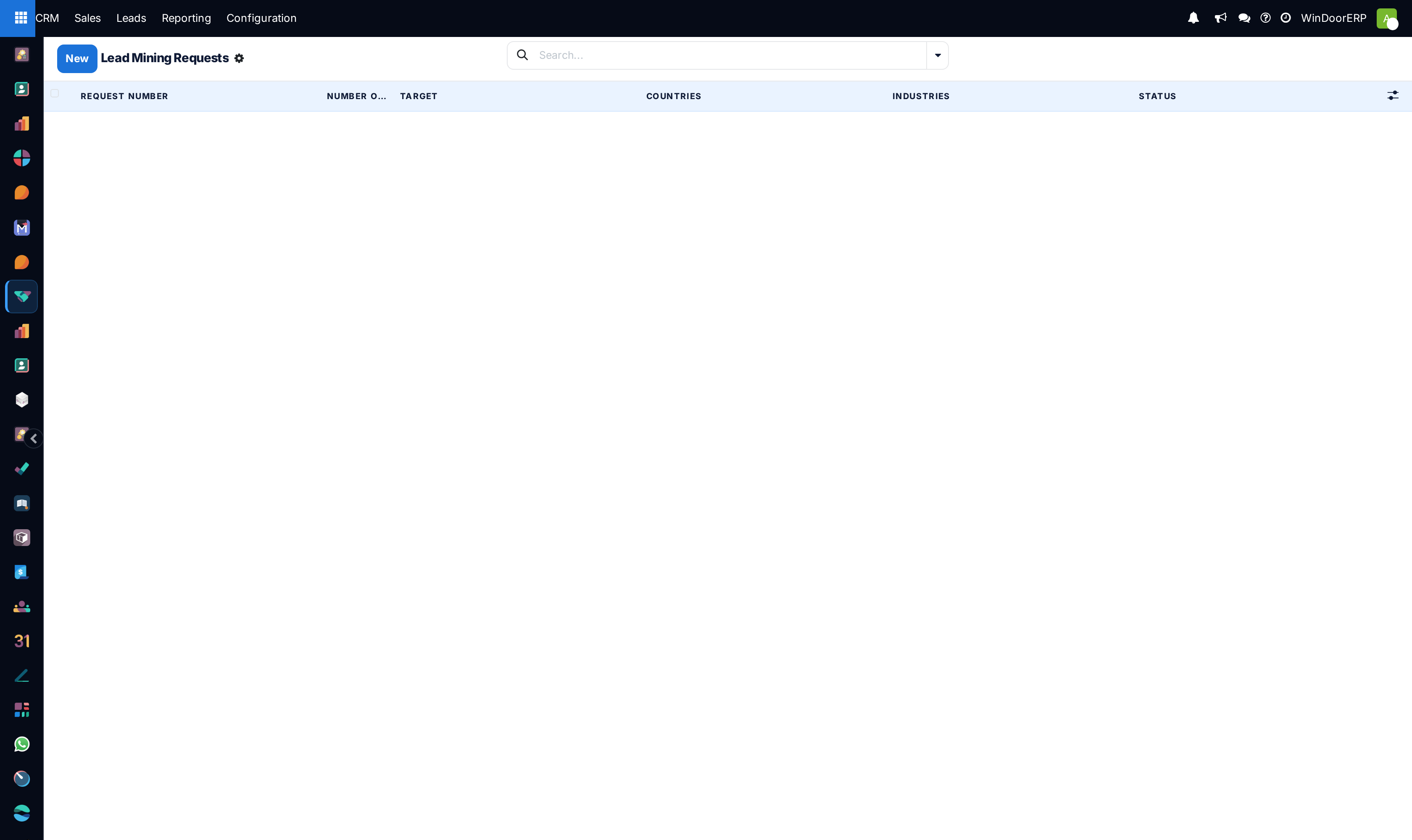
Navigate to CRM › Configuration › Lead Mining Requests to generate targeted contractor prospects by country and industry.
Common mistakes
- Enabling rule-based assignment without defining domain filters on sales team members.
- Forgetting to click Save in Settings before navigating to other administration screens.
Checkpoint
CRM settings reflect how your team actually works, and you know whether enquiries arrive as leads or straight as opportunities.