Shape what the customer receives
Standardise the quotation itself
Why this step
A quotation template carries the window lines, the terms and the wording you use every time. It is how two salespeople send the same document instead of two different ones.
What this does
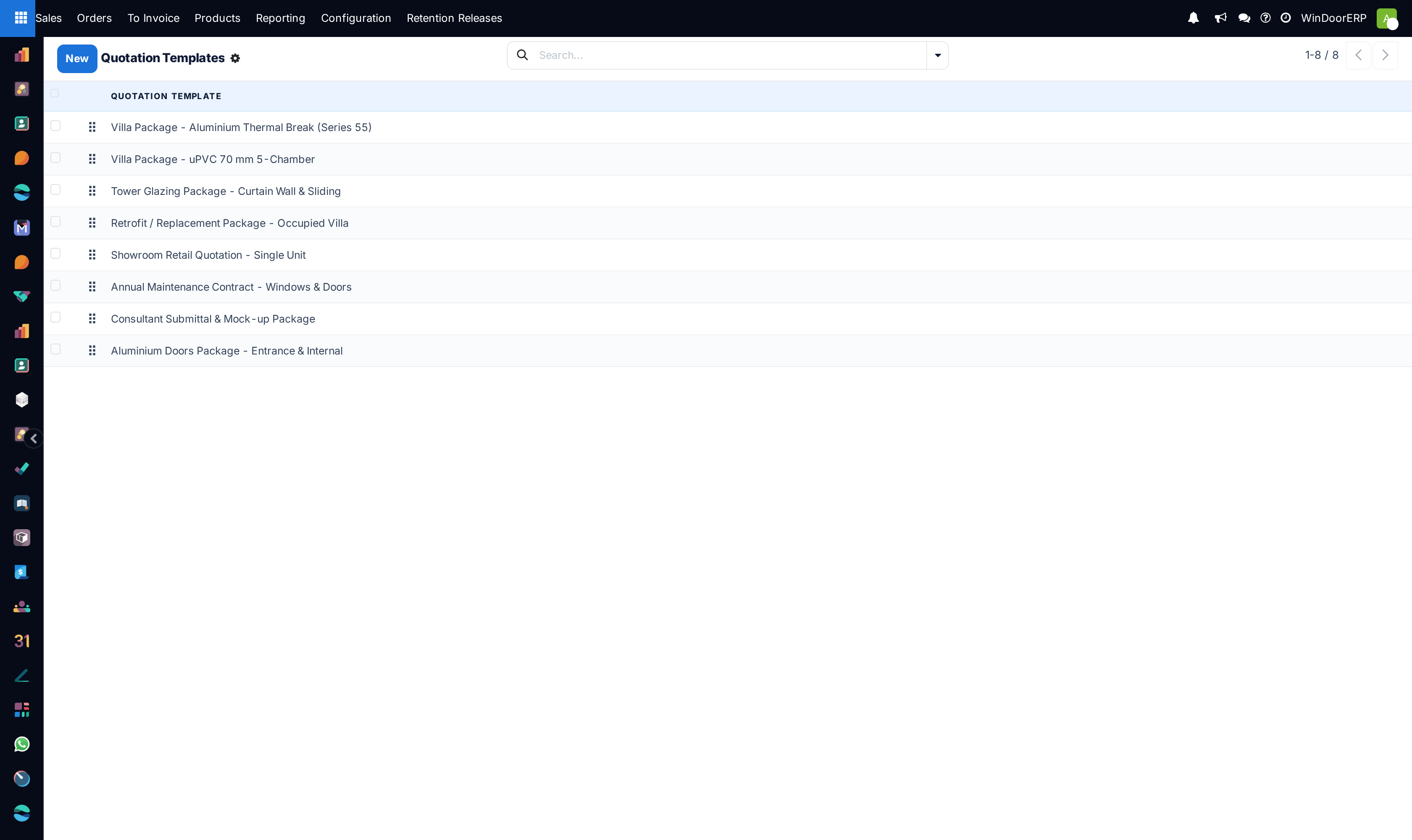
Creates reusable quotation templates tailored to specific project types (e.g. Standard Residential Villa, Commercial Curtain Wall Package) with pre-set payment terms, validity durations, and technical submittal attachments.
Before you start
- Quotation Templates enabled in Sales › Configuration › Settings.
Steps
Important
Applying a template on a new quotation automatically loads pre-approved corporate legal terms and payment milestones, cutting quotation time by 75%.
-
01
Open Sales › Configuration › Quotation Templates.
-
02
Click New to design a template (e.g. Luxury Villa Package 2026).
-
03
Set Quotation Validity (e.g. 30 days) and default Payment Terms (e.g. 50% Advance, 40% Delivery, 10% Handover).
-
04
Add standard lines, sections, and optional upselling items in Lines.
-
05
In PDF Quote Builder, attach custom Header and Footer PDF submittals.
Common mistakes
- Allowing sales reps to delete mandatory warranty and liability clauses from template terms.
- Not updating template product codes when upgrading to new profile series models.
Checkpoint
A new quotation started from the template arrives with the standard lines and terms already in place.