Run one deal through it
Qualify a real enquiry into an opportunity
Why this step
Everything is configured; now use it. Take a real enquiry, qualify it into an opportunity, and link it to the architect or contractor account behind it.
What this does
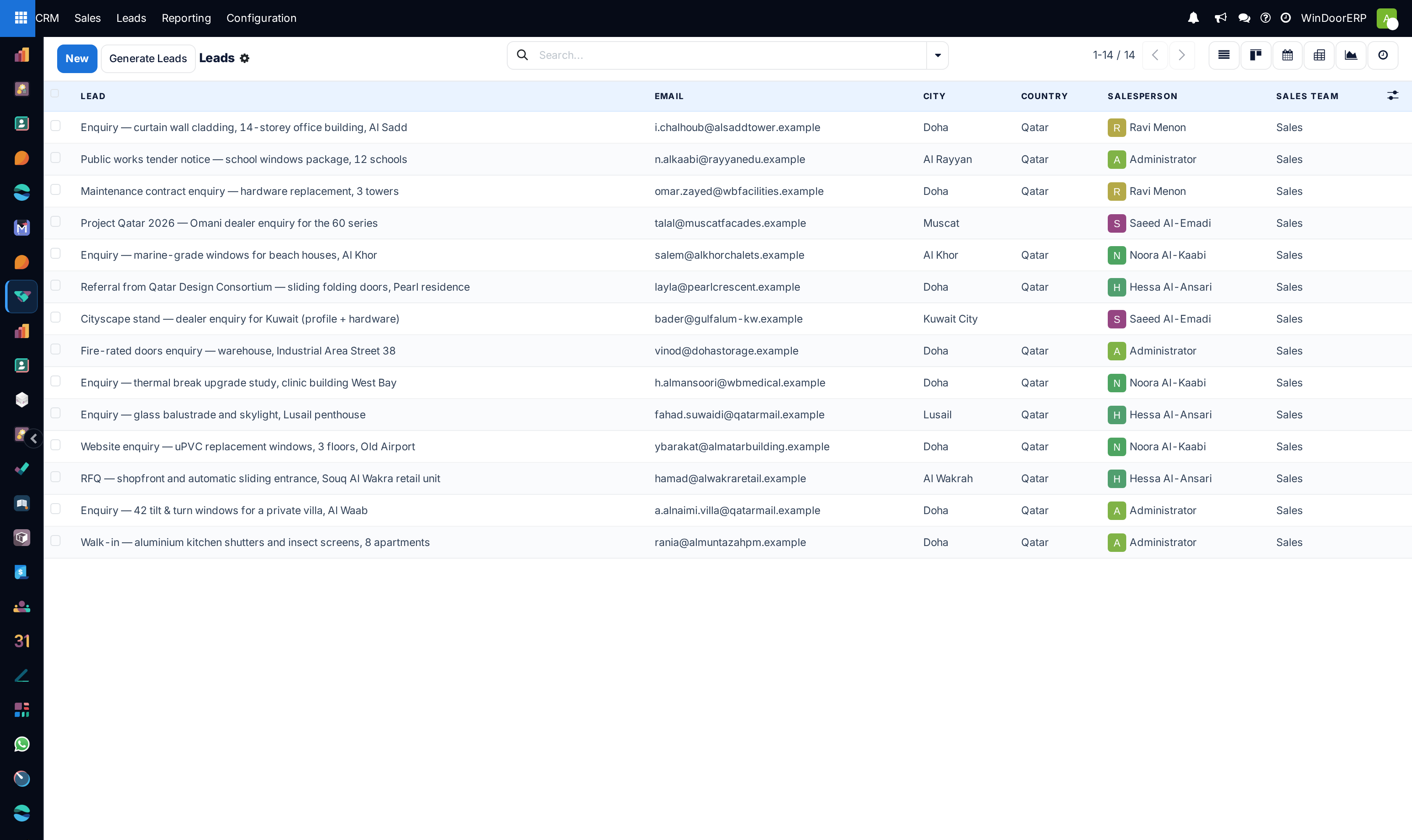
Captures raw inquiries from website contact forms, showroom visits, phone calls, and consultant tenders, allowing sales managers to qualify project scopes and convert them into active pipeline opportunities.
Before you start
- Leads feature enabled in CRM › Configuration › Settings.
Steps
Important
Converting a lead preserves all original email exchanges, WhatsApp chat logs, and uploaded PDF drawings inside the new opportunity's chatter.
-
01
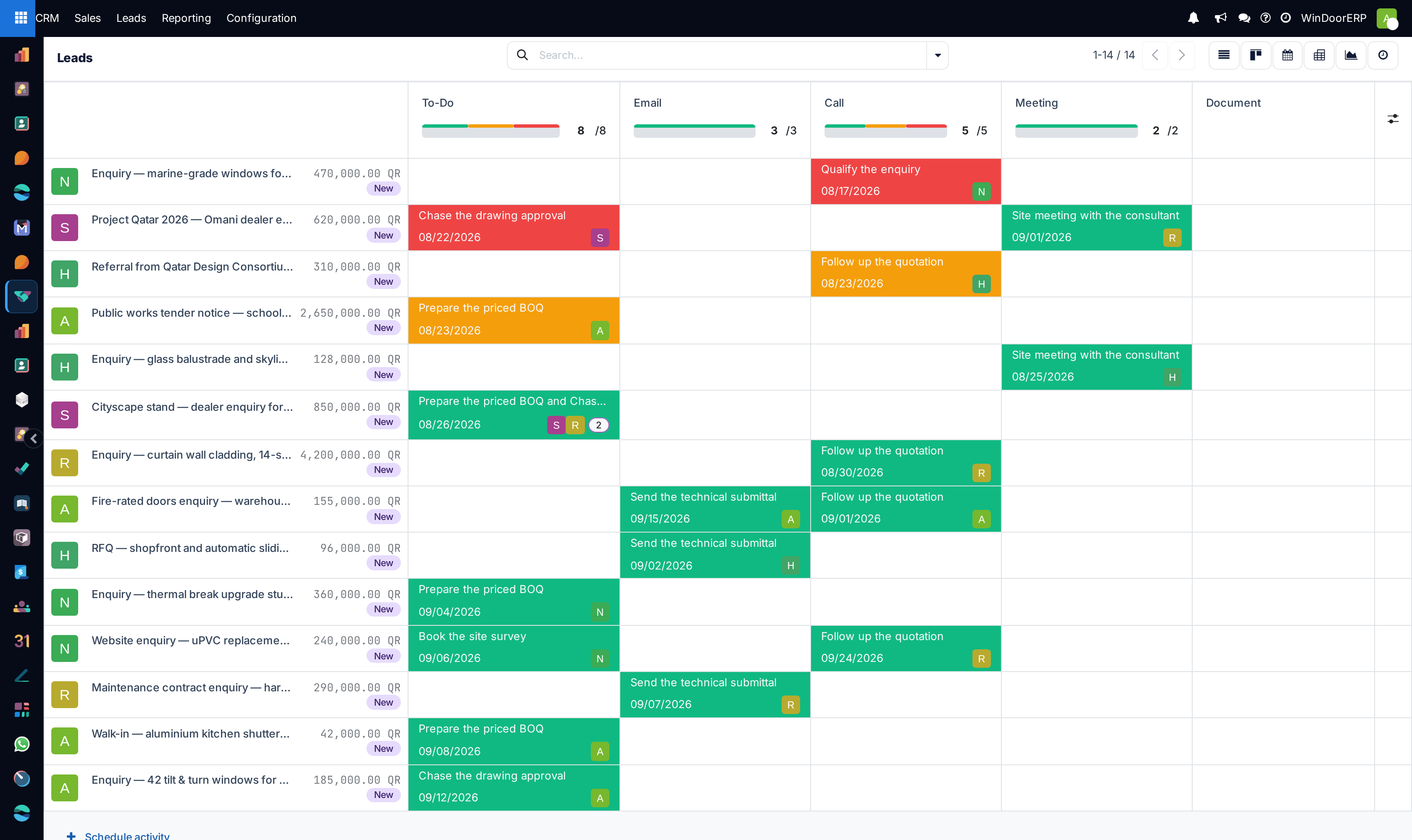
Open CRM › Leads to inspect the incoming queue of unqualified inquiries.
-
02
Review customer requirements: project location, profile series preferences (e.g. thermal break aluminium, folding doors, curtain walls), and estimated budget.
-
03
Click Convert to Opportunity at the top left of the lead form.
-
04
In the conversion wizard, choose the conversion action: Convert to opportunity or Merge with existing opportunities.
-
05
Assign the responsible Salesperson and Sales Team (e.g. Residential Villas Team or Commercial Projects Team).
-
06
Select the Customer handling option: Link to an existing customer (searched by phone/tax ID), Create a new customer, or Do not link to a customer.
-
07
Click Create Opportunity to generate the pipeline deal card and schedule the initial technical survey.
Common mistakes
- Creating duplicate customer records during lead conversion instead of linking to existing contractor accounts.
- Converting leads without verifying contact phone numbers and project site addresses.
Checkpoint
The opportunity sits in the right stage, on the right team, with the right customer account attached — none of it typed in by hand.